Shared
← All apps
Dropple
Files, photos and text between your phone and your Mac or PC, over your own Wi-Fi. Drop files on the MacBook notch and they're on your phone; share from your phone and they're on your computer. Any phone, no app to install, no account, no cloud. Free.
Version 2.0.0 ·
What's in the video
- Drop it on the notch: a boarding pass dragged onto the MacBook notch is shared.
- It's already on your phone, in Dropple's page in the phone's browser.
- Send it back: the gate and seat typed on the phone land in the Mac's list, and text lands on your clipboard.
- Scan once. No account, no cloud, no app to install. Your phone must be on the same Wi-Fi.
- Dropple Pro, one-time: press ⌥⌘V to find anything you copied, captured or received.
- Dropple. Phone to computer, over your Wi-Fi. Free for Mac & Windows.
On a phoneDropple runs on your Mac or PC. Send the link there to install it.Email the link
MacTerminal: installs with no warnings. Paste this into Terminal and press Return.
curl -fsSL https://scannertechs.com/apps/dropple/install.sh | bash macOS.dmgApple silicon + Intel · macOS 12+ · one prompt to confirmWindows.exe64-bit installer · Windows 10 / 11
Not notarized by Apple or signed for Windows yet. From the .dmg, the first launch needs System Settings → Privacy & Security → Open Anyway; on Windows, More info → Run anyway, then allow Dropple on private networks so your phone can reach it. The Terminal install skips the Mac prompt entirely. Dropple updates itself after that.
Drag a file onto the notch, rest the pointer on it, type on the phone, or press·for a screenshot.
Drop on the notch
Drag a file onto the MacBook notch and it's on your phone a moment later. On Windows, the bar at the top of the screen does the same.
Phone text to your clipboard
Type or paste text on the phone and send it. On the computer it's already on the clipboard, ready to paste anywhere.
History picker
Press ⌥⌘V (Ctrl+Alt+V on Windows) to search everything you've copied, captured or received. Return pastes it where you were typing.
Automatic sharing
Take a screenshot and it's on your phone without opening Dropple. Screen recordings, copied text and images go across by themselves too.
Notch shelf
Rest the pointer on the notch to see your recent items, then drag any of them out again.
ConnectScan the QR code Dropple shows with your phone's camera. Same Wi-Fi, nothing else.
To phoneDrag files onto the notch (on Windows, the bar at the top of the screen) or into Dropple's window. They show up on your phone straight away.
To computerSend files, photos, links or text from the phone's page (on Android, from the share sheet too, once installed). They land in your Downloads folder and in Dropple's list.
FoldersWhole folders download to the phone as a zip, built on the fly.
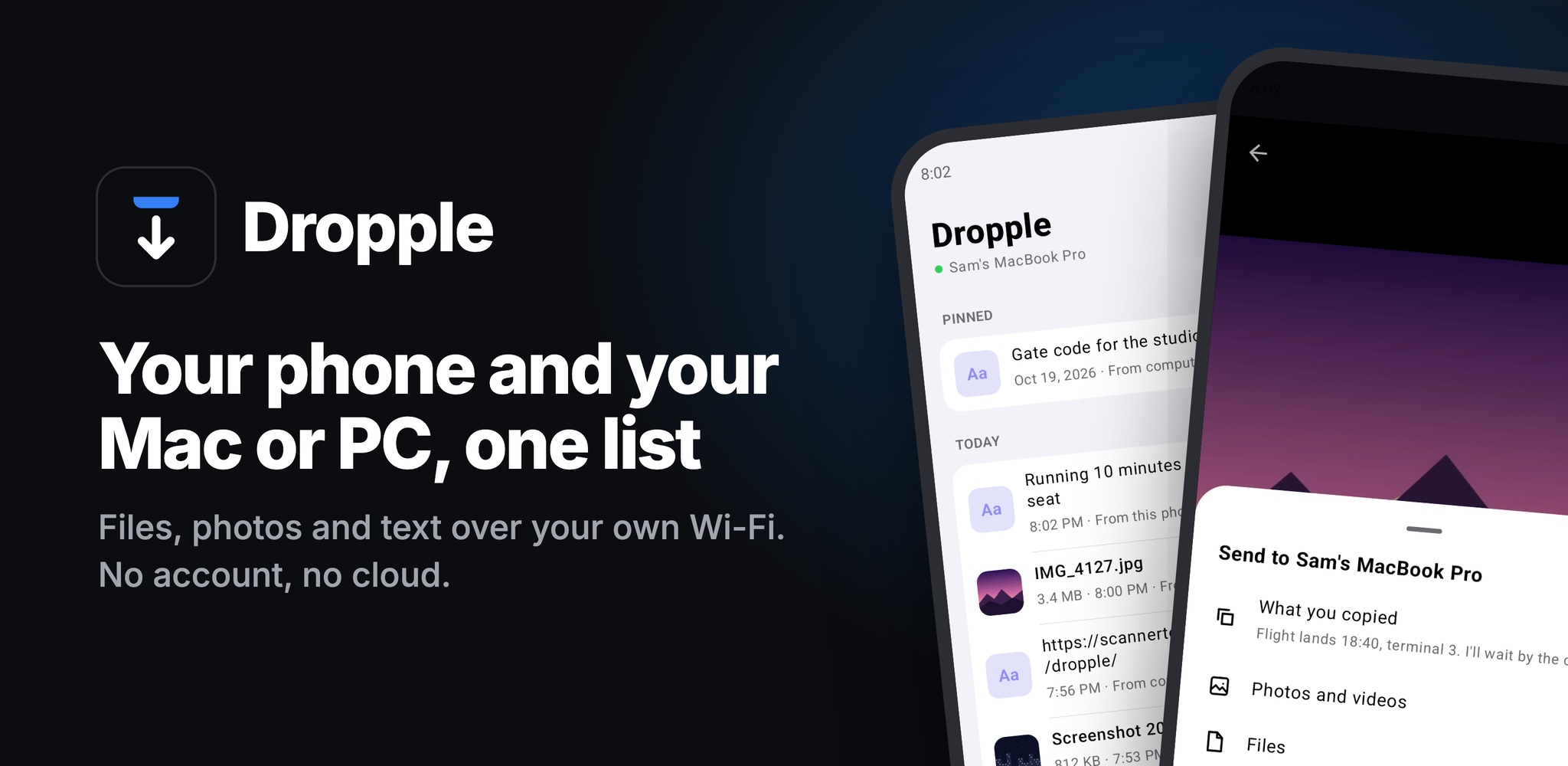
Any phone can use Dropple in its browser. On Android there's also an app, free on Google Play. Install Dropple on your computer first, then scan its QR code with the app.
ConnectedStays connected in the background and tells you when something arrives, even with the app closed. Nothing to install on the phone besides the app.
ShareSend photos, files and links from any app's share sheet. What arrives can save itself to Pictures, Movies or Downloads.
ClipboardWith Pro, text you copy on the computer is ready to paste on the phone, and a bubble or a Quick Settings tile sends what you copied on the phone back.
iPhoneUses the browser, as before: scan the QR code with the camera.
FeatureFreePro $7 once
Files, photos and text, both waysPhone to computer and computer to phone, as fast as your Wi-Fi.✓✓
Drop on the notchDrag files onto the MacBook notch, or the bar at the top on Windows.✓✓
Any phone, no accountiPhone or Android, in the browser. Nothing goes through the internet.✓✓
Phone text to your clipboardText sent from the phone is ready to paste on the computer.✓✓
History picker⌥⌘V (Ctrl+Alt+V) to search everything copied, captured or received, and paste it.–✓
Automatic sharingScreenshots, screen recordings, copied text and images reach your phone by themselves.–✓
Notch shelfRest the pointer on the notch to see recent items and drag them out again.–✓
Phone page as an appInstall it on the home screen and, on Android, share to it from any app.–✓
Dropple for AndroidThe app from Google Play: stays connected in the background, notifies you, saves files on its own.✓✓
Android extrasCopy on the computer, paste on the phone; a bubble and a Quick Settings tile that send what you copied.–✓
Bought it already? Help with your licence.
Is Dropple AirDrop for Windows?
Close to it. AirDrop only works between Apple devices, and Windows has nothing like it for phones. Dropple gives a Windows PC (or a Mac) the same idea: drop a file on the bar at the top of the screen and it's on your phone, send one from the phone and it's on your PC. It works with iPhone and Android, over your own Wi-Fi.
Close to it. AirDrop only works between Apple devices, and Windows has nothing like it for phones. Dropple gives a Windows PC (or a Mac) the same idea: drop a file on the bar at the top of the screen and it's on your phone, send one from the phone and it's on your PC. It works with iPhone and Android, over your own Wi-Fi.
Do I need an app on my phone?
No. Any phone can use its browser: scan the QR code Dropple shows and you're in. On Android there's also Dropple for Android, free on Google Play, which stays connected in the background and needs nothing else set up.
No. Any phone can use its browser: scan the QR code Dropple shows and you're in. On Android there's also Dropple for Android, free on Google Play, which stays connected in the background and needs nothing else set up.
Does it work with iPhone and Android?
Yes, both, and with any Mac or Windows PC. AirDrop needs Apple on both ends and Quick Share needs Android or Windows; Dropple doesn't mind.
Yes, both, and with any Mac or Windows PC. AirDrop needs Apple on both ends and Quick Share needs Android or Windows; Dropple doesn't mind.
Do my files go through the internet?
No. Your computer runs a small server on your Wi-Fi and the phone talks to it directly. Nothing is uploaded anywhere, and there's no account to make.
No. Your computer runs a small server on your Wi-Fi and the phone talks to it directly. Nothing is uploaded anywhere, and there's no account to make.
What if there's no shared Wi-Fi?
Turn on your phone's hotspot and join it from the computer. They're then on the same network and Dropple works as usual, on a train or with guest Wi-Fi. Dropple's transfers go straight between the two devices and don't use mobile data, though other apps on the computer might while it's on the hotspot.
Turn on your phone's hotspot and join it from the computer. They're then on the same network and Dropple works as usual, on a train or with guest Wi-Fi. Dropple's transfers go straight between the two devices and don't use mobile data, though other apps on the computer might while it's on the hotspot.
How fast is it?
As fast as your Wi-Fi. Files go straight from one device to the other on your home network, so nothing waits on an upload to the internet and back.
As fast as your Wi-Fi. Files go straight from one device to the other on your home network, so nothing waits on an upload to the internet and back.
What does Dropple Pro add?
The history picker, automatic sharing of screenshots and copied text, the shelf of recent items on the notch, and the installable phone app. $7 once (later $9), for two computers. Sharing itself is free forever.
The history picker, automatic sharing of screenshots and copied text, the shelf of recent items on the notch, and the installable phone app. $7 once (later $9), for two computers. Sharing itself is free forever.


Why Your iPhone Uploads HEIC Photos as JPGiPhone uploads HEIC as JPG because the photo picker's Format is set to Automatic. Switch it to Current to keep the original HEIC. Tested on iOS 27.AirDrop for Windows: The Closest Things That WorkThere's no AirDrop for Windows, but there are close substitutes: Dropple, Nearby sharing, Quick Share, Phone Link, LocalSend and PairDrop. Here's which fits.AirDrop From iPhone to Windows: What Actually WorksCan you AirDrop from iPhone to Windows? Not directly. Here's what works instead: Phone Link, iCloud, a cable, LocalSend, browser tools and Dropple.Clipboard History on Mac: A Windows+V for macOSIs there a Windows+V on a Mac? What macOS Tahoe's Spotlight clipboard does and doesn't do, and the clipboard history apps people use instead.How to Copy Text From Your Phone to Your PC (or Mac)How to copy text from your phone to your PC or Mac: Phone Link, Windows clipboard sync, Universal Clipboard, KDE Connect, and the low-tech ways.How to Send Files From Android to Mac (Wirelessly)How to send files from Android to Mac: Quick Share to AirDrop, Bluetooth, LocalSend, NearDrop, a USB cable with OpenMTP, the cloud, and what each one needs.Transfer Files From Phone to PC Without Internet or a CableHow to transfer files from phone to PC without internet or a cable: Wi-Fi with no internet, your phone's hotspot, Bluetooth, Quick Share and LocalSend.